Top-down movement
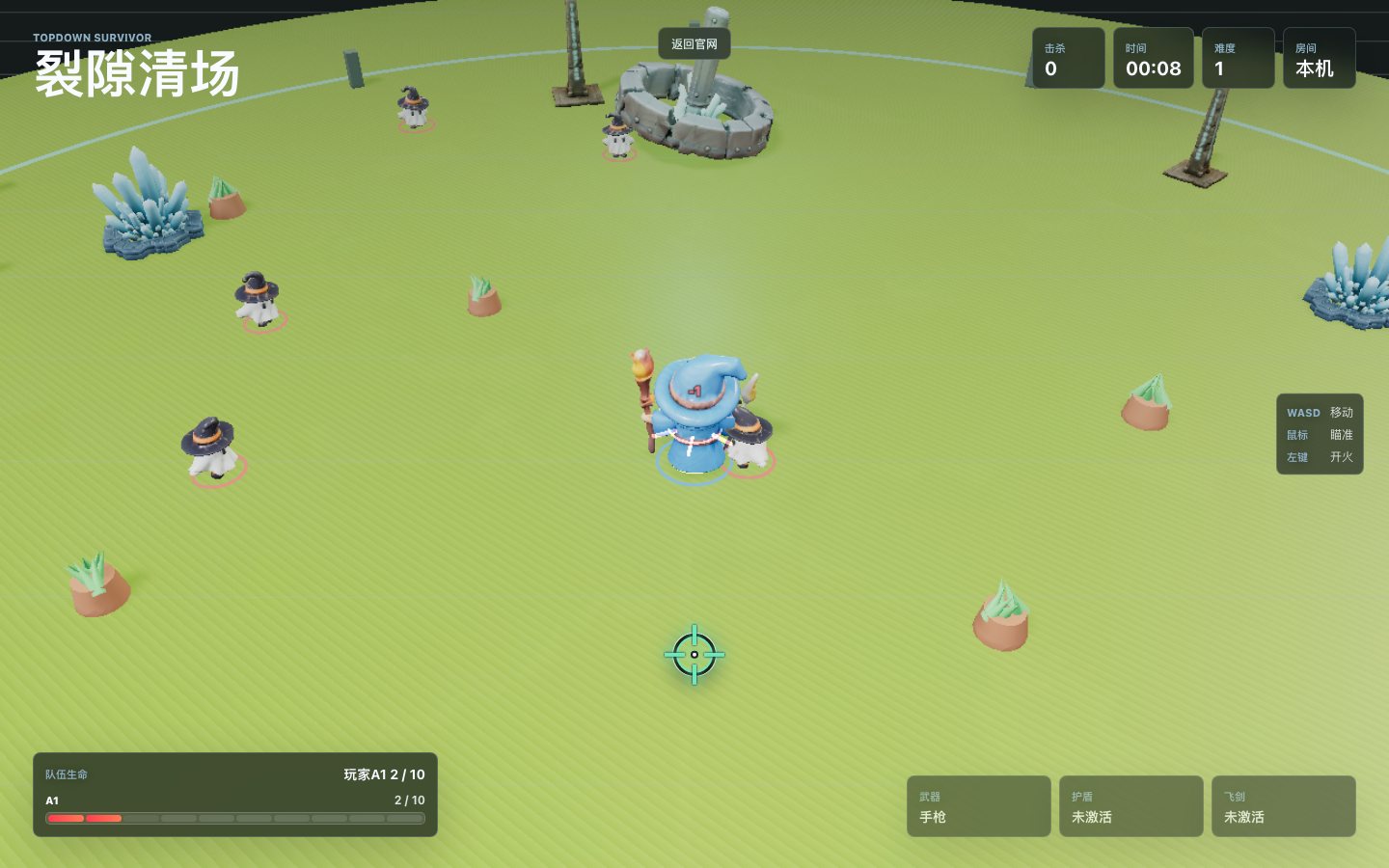
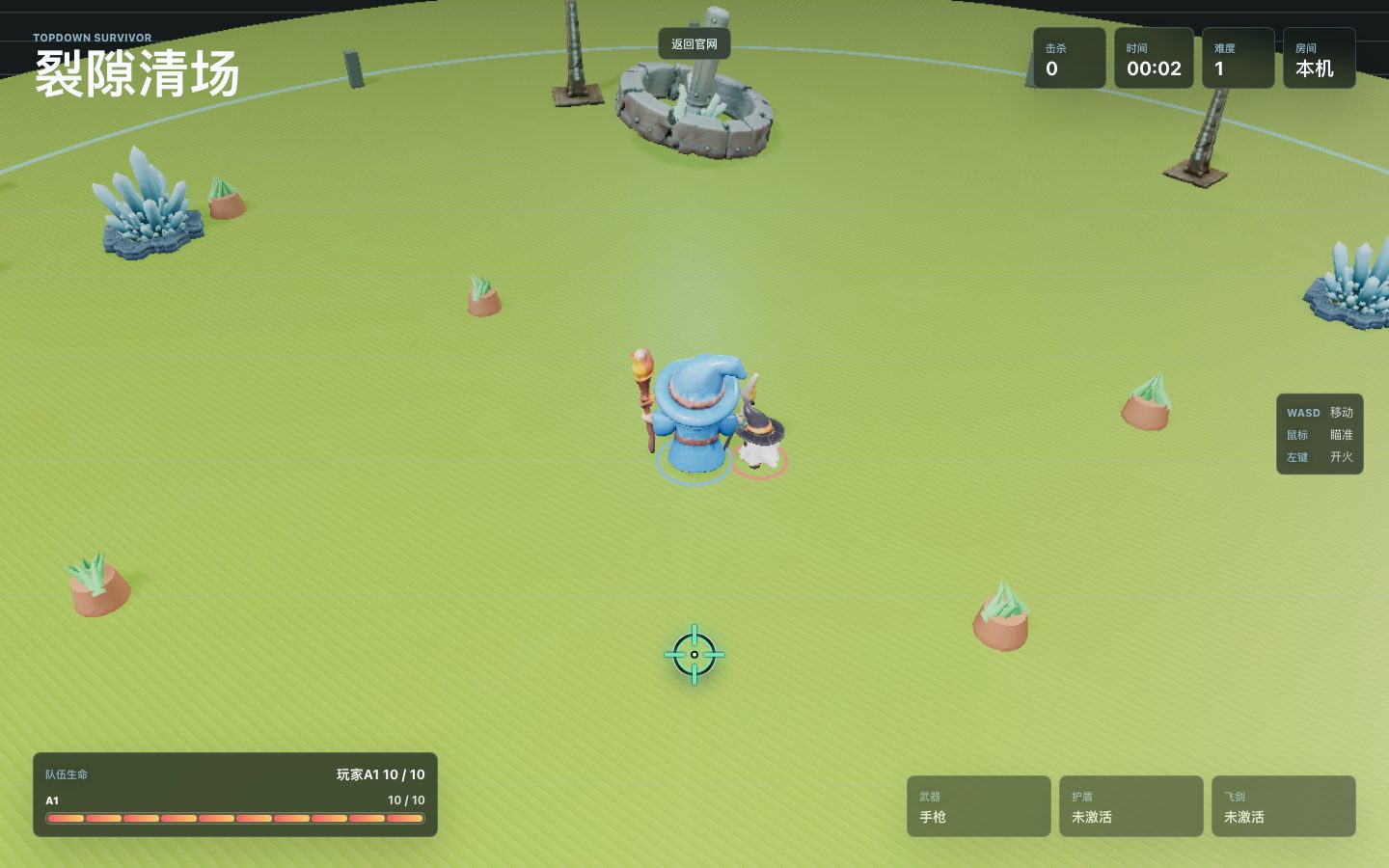
Desktop players use WASD to move, the mouse to aim, and the left button to fire. Arena pressure keeps the player moving.
Browser survival arena
A 3D top-down survival shooter with solo runs, shareable rooms, co-op clearing, and a Director player who controls the pressure.
No download required. Open the page, test solo, or send an A2 / Director link to a friend.
In-game Screens
Core Loop
Desktop players use WASD to move, the mouse to aim, and the left button to fire. Arena pressure keeps the player moving.
Enemies can drop shield, orbit swords, shotgun, and explosive upgrades. Timing a pickup well can save a run.
Boss enemies force different positioning. Active enemy limits keep the scene readable in solo and room modes.
On phones, a left-side joystick controls movement while the weapon automatically targets and fires at the nearest enemy.
Cloudflare Worker and Durable Objects coordinate temporary rooms, player states, enemy spawns, and start flow.
Models and scripts use browser caching where available, so the first load may take longer than later visits.
Online Rooms
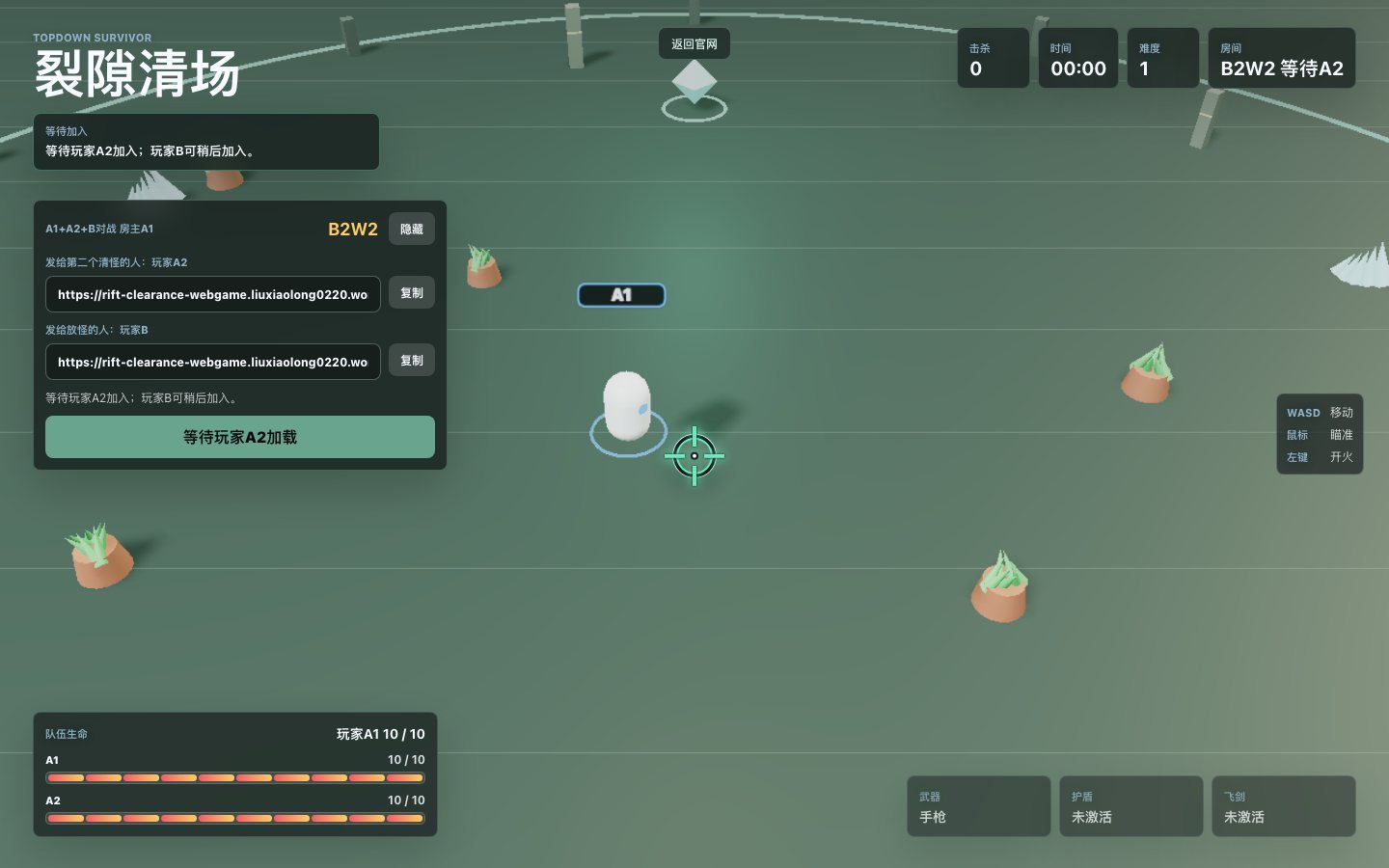
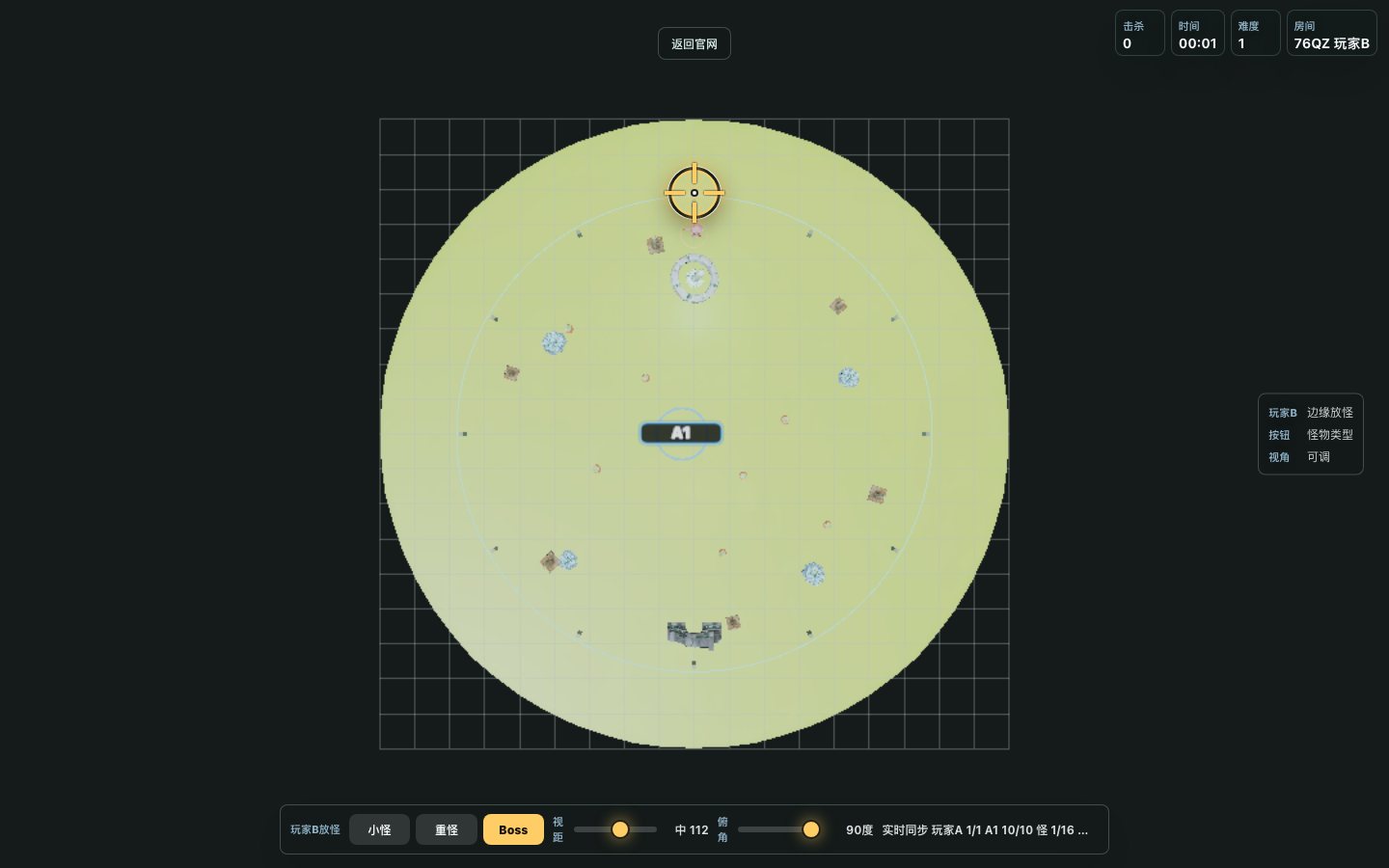
A1 is the host fighter. A2 can join for co-op clearing. Player B is the Director, watching from above and adding enemies to turn the run into a lightweight contest.
Publication Ready
The root page explains the game. The actual game runs from a clear Play entry instead of a hidden file.
Privacy and terms pages describe room data, browser cache, Cloudflare hosting, and possible ad cookies.
The contact page gives a public email for gameplay issues, privacy requests, and ad review questions.
Chinese and English pages cover the same core areas: gameplay, compliance, privacy, terms, and support.
Touch devices automatically use joystick movement and nearest-target auto fire.
The ad policy states that standard ads should not cover the game canvas or imitate game controls.
Site Structure
The homepage explains the product. The guide helps new players. Policy pages explain data and acceptable use. The game page focuses on play.
New Player Guide
Use solo play to check performance and learn movement, weapons, enemy speed, and pickup timing.
Create an endless co-op room and send the A2 link to a friend. Positions, health, and rescue states sync.
A clears enemies while B spawns enemies. The Director can choose basic, heavy, or Boss enemies.
Use a modern browser with WebGL and WebSocket support. First-time model loading can take a few seconds.
On mobile, use the left joystick to move. Firing is automatic and follows the nearest enemy.
A1 should wait until A2 or B finishes loading before starting the room to reduce start-state mismatch.
Review Map
FAQ
No. Rift Clearance runs in the browser. Open the page and start from the game panel.
The first visit downloads 3D assets and scripts. Browser cache should make later visits faster.
No account is required. Rooms use temporary room codes and temporary client identifiers.
Mobile players move with a virtual joystick. Shooting automatically aims at the nearest enemy.
If ads are added, standard ads should stay on content pages or clearly separated areas and should not cover the game canvas or controls.
Yes. Use the language switch in the navigation to return to the Chinese site.
Ready