Solo test run
Best for first load, browser testing, and learning enemy speed. No link sharing is required.
Player Guide
Start with a solo run, learn movement and pickups, then create a room for A2 co-op or invite player B to control enemy pressure.
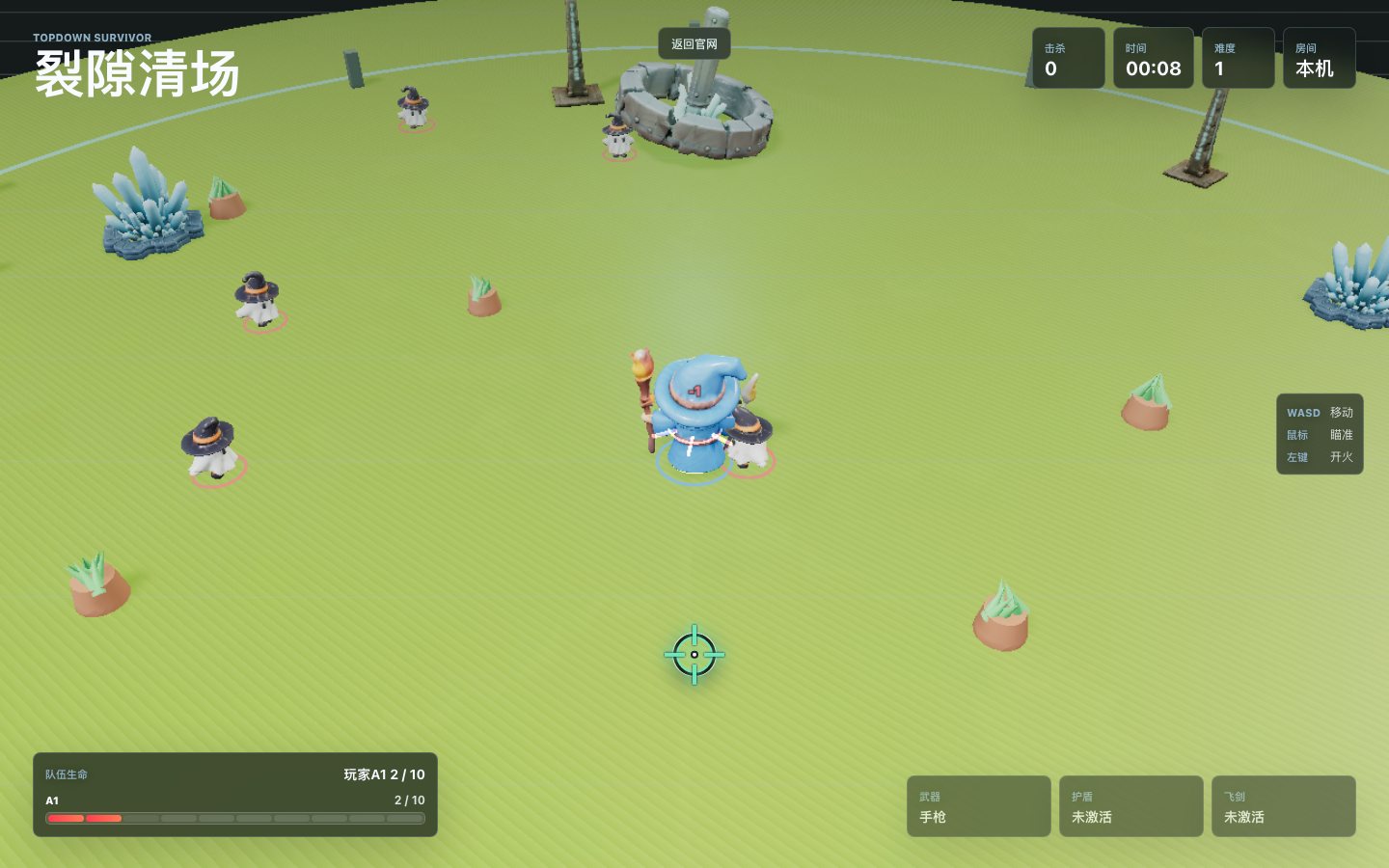
Use WASD to move. Do not stay in the center for too long because enemies approach from multiple directions.
The mouse controls the aiming direction. Move toward open space before turning back to fire.
Hold or click the left mouse button to fire. When enemies are close, prioritize the nearest threat.
Shield, orbit swords, shotgun, and explosive weapons change the pace of a run.
Touch devices show a joystick on the lower left. Drag to move and release to stop.
Mobile shooting automatically targets the nearest enemy, so focus on pathing and survival.
Best for first load, browser testing, and learning enemy speed. No link sharing is required.
A1 creates the room and sends the A2 link to the second fighter. Both players survive together.
B watches from a top-down view, selects basic, heavy, or Boss enemies, and spawns them at the arena edge.
Absorbs damage for a short time and creates room to escape dense enemy groups.
Rotate around the player and help clear enemies that get too close.
Fires a spread pattern that works well against groups of smaller enemies.
Deals area damage and helps when the arena is packed or a Boss is applying pressure.
You do not need to manually aim on mobile. Use the joystick to keep distance, circle around enemy groups, and let the auto-fire system keep shooting the closest target.
Enter the game when ready, or review the ad and compliance page if you need site policy details.